Helm
A native terminal workspace for managing projects, processes, and AI agents. One window with a sidebar of your projects and processes, a real terminal, and an MCP server so your agents can see your entire stack.
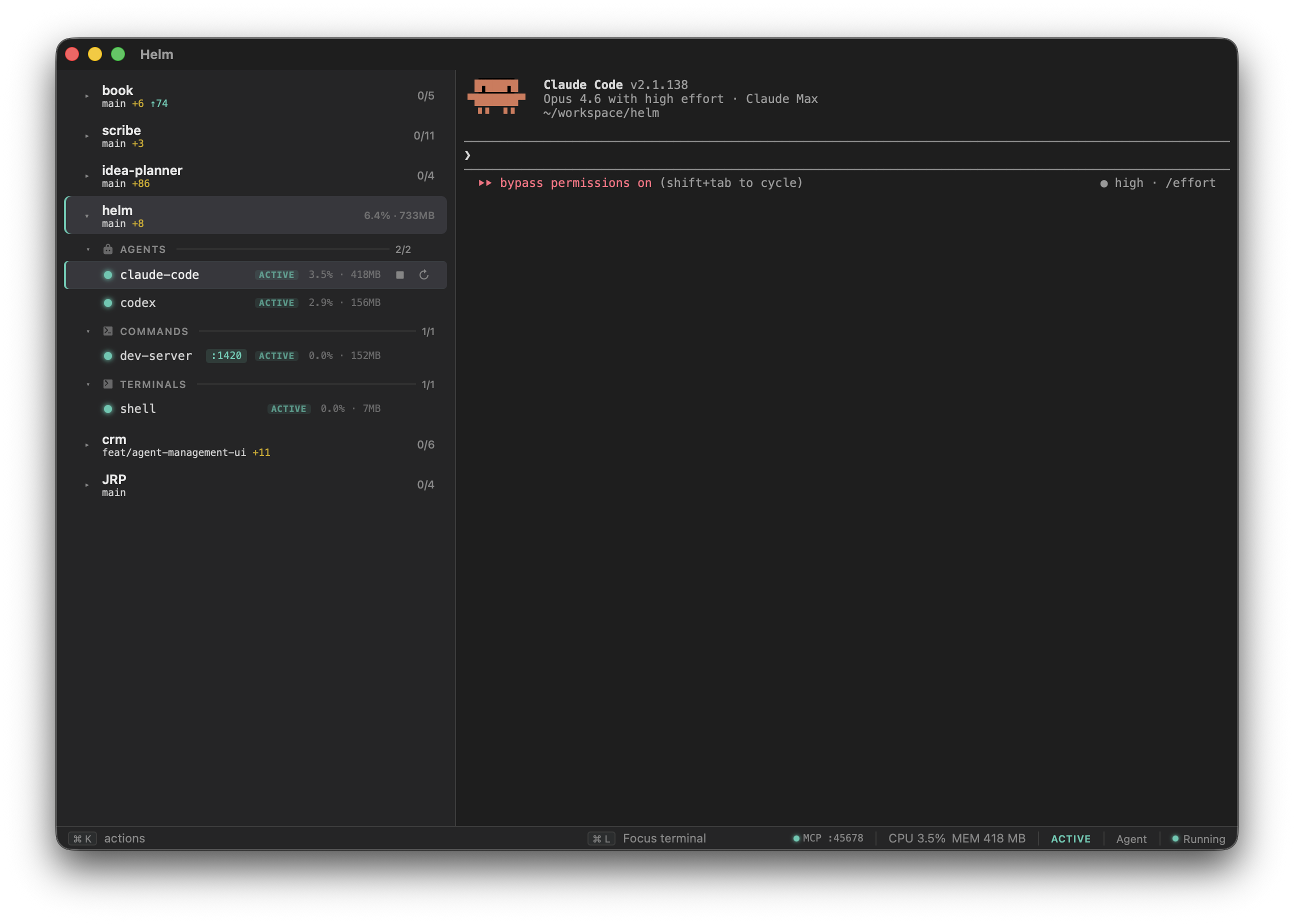
Helm puts your entire dev stack in one window. Left sidebar shows your projects and their processes, grouped by type with live status indicators. Right side is a full terminal. Select a process, you’re typing into it. Everything starts together, crashes get restarted, and agents can see your entire stack via MCP.
Built with Tauri (Rust backend) + xterm.js (TypeScript frontend). Runs locally, no subscription, no cloud.
The problem
If you run multiple projects, each with dev servers, queue workers, AI agents, and shells, you end up with a mess of terminal tabs. You’re alt-tabbing between twelve windows, can’t remember which tab has which server, and your AI agents have zero visibility into what’s actually running.
How it works
Drop a helm.yml in your project root:
name: My Project

processes:
  dev-server:
    command: npm run dev
    type: command
    auto_start: true
    auto_restart: true

  claude:
    command: claude --dangerously-skip-permissions
    type: agent
    auto_start: false

  shell:
    command: $SHELL
    type: terminal
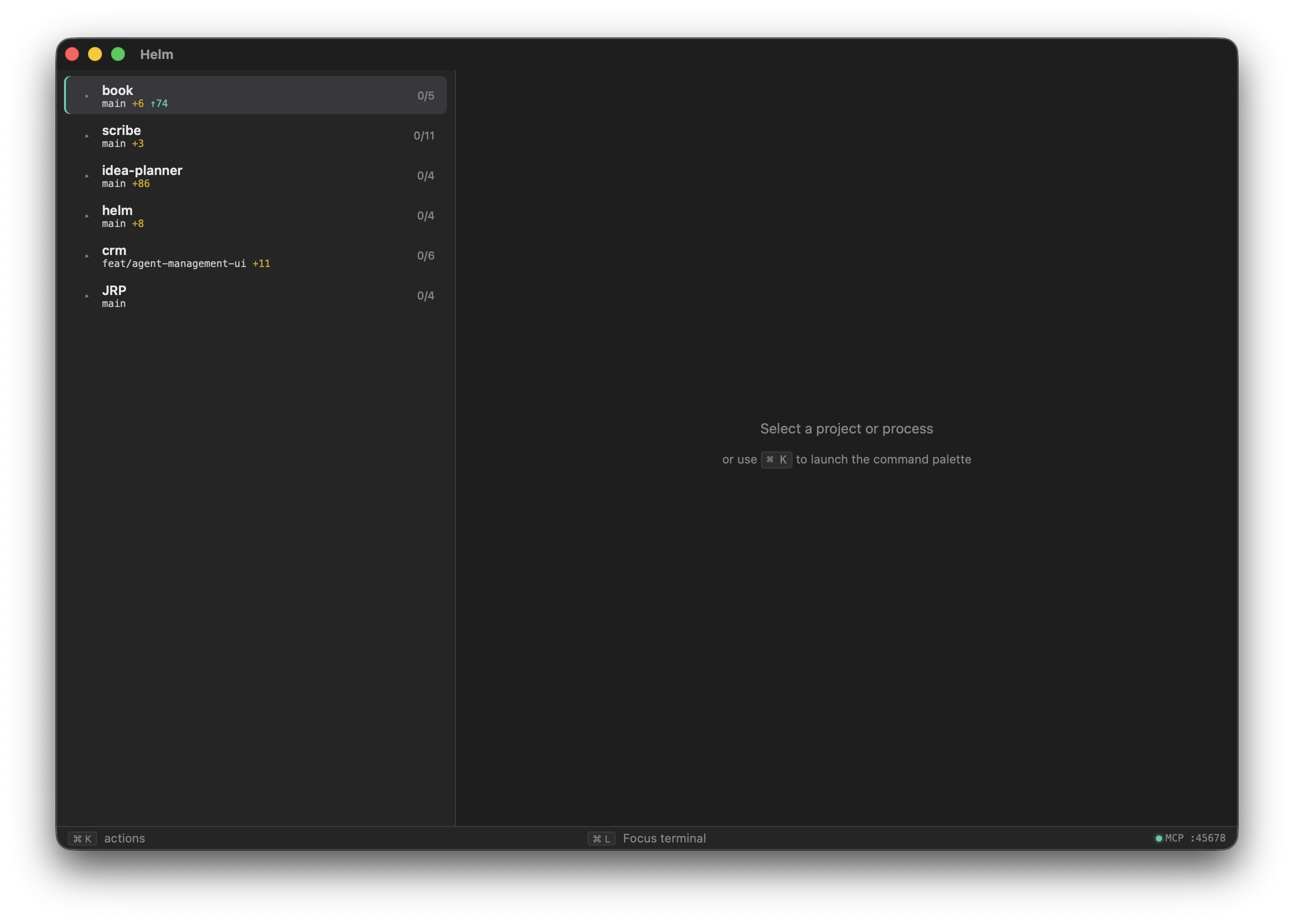
Register it in Helm’s global config, and launch. Your projects appear in the sidebar with processes grouped by type (commands, agents, terminals), each with a live status dot.
Process lifecycle
Processes with auto_restart use exponential backoff (1s, 5s, 15s, 30s cap) with a circuit breaker after 5 rapid crashes. File watchers via restart_when_changed globs trigger graceful restarts (SIGTERM, 5s timeout, SIGKILL). Orphan detection on relaunch finds processes from a previous session and offers to adopt or kill them.
Session persistence
Closing the window doesn’t quit Helm. The app stays alive in the menu bar tray. Dev servers, queue workers, and agent sessions keep running while you tab away. Reopen to reattach with terminal scrollback intact. Optional launch-at-login installs a macOS LaunchAgent so auto_start processes are running before you’ve opened anything.
Status badges
Each process can declare regex patterns that turn output lines into typed sidebar badges:
frontend:
  command: bun dev
  type: command
  status:
    ready: 'Local:\s+(\S+)'
    error: 'error|failed'
The sidebar shows :5173 next to the process name when the server is up, or an error indicator when something breaks. No hardcoded parsers. Your regex, your stack.
MCP server
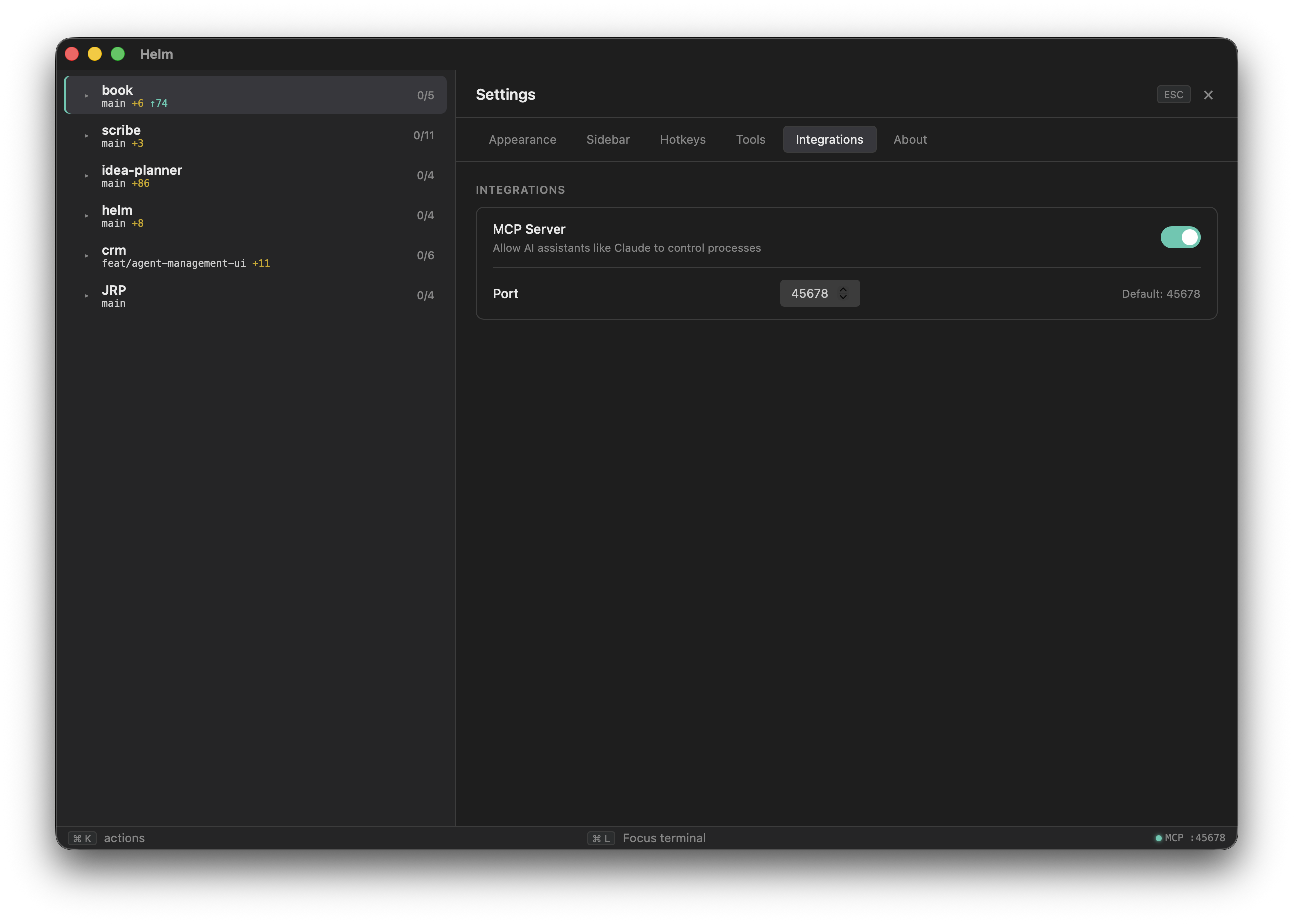
Helm runs an MCP server on localhost so AI agents can query and control your processes. An agent asking “is anything broken?” calls helm_signals() and gets back a structured list of crashed processes, unpushed commits, and anything else that needs attention.
Tools include listing projects, reading process output, start/stop/restart, git status, and spawning new agents into any registered project with an optional initial prompt.
Command palette
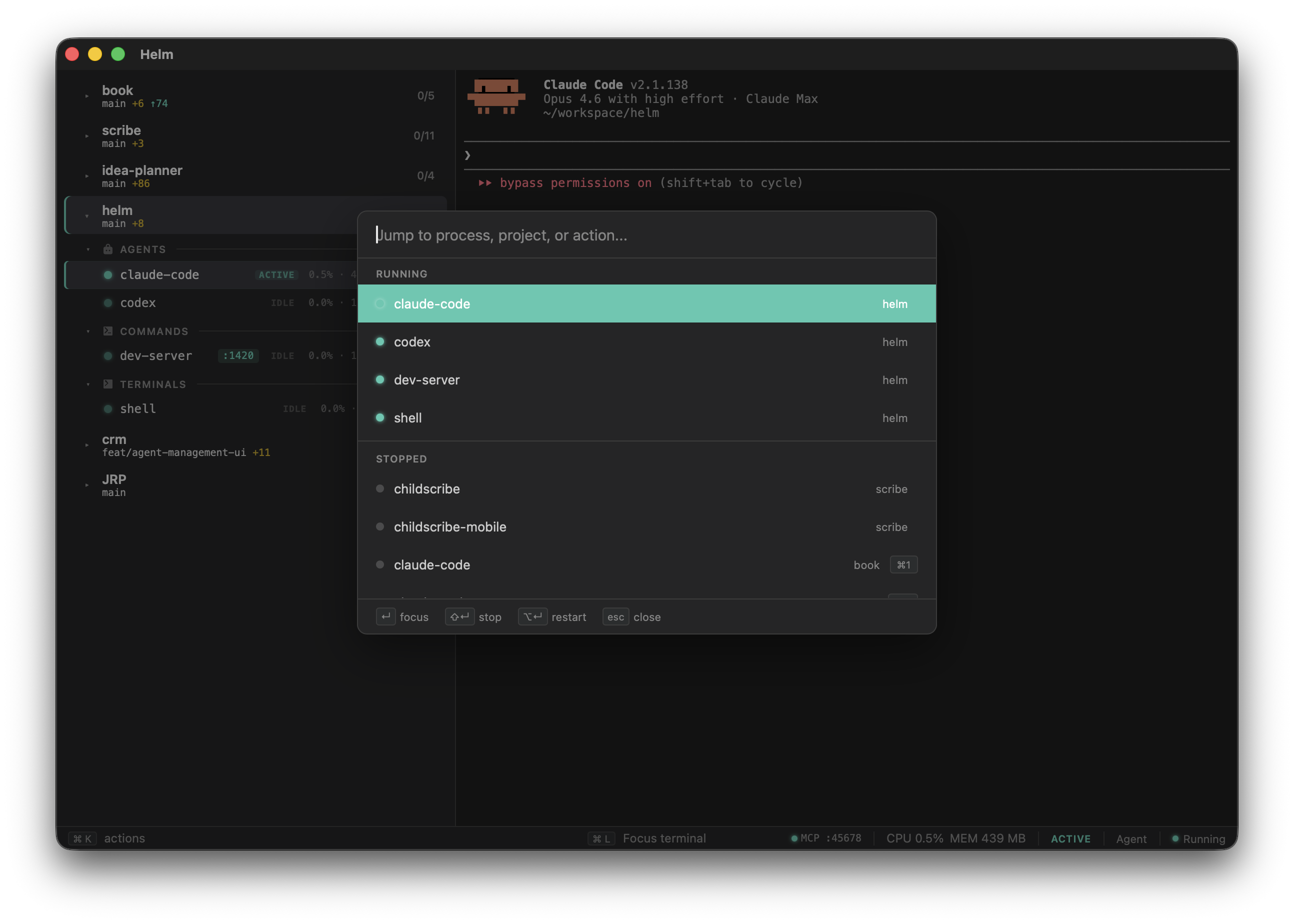
Cmd+K opens a fuzzy-searchable palette across every process, project, and action. Jump to a running process, start something, restart something, open in your editor.
CLI
Helm also installs a helm command for headless use. helm init scans your project directory and generates a helm.yml based on what it finds (package.json scripts, Cargo.toml, go.mod, artisan, Procfile, etc). helm add registers a project, helm up/down controls the full lifecycle, and helm start/stop lets you manage individual processes without opening the GUI.
$ helm --help
Terminal workspace for managing projects and processes

Commands:
  up     Launch and start all auto_start processes
  down   Stop all processes and quit
  add    Add a project to the global config
  init   Generate a helm.yml via auto-detection
  list   List all projects and their processes
  start  Start process(es) without GUI
  stop   Stop process(es) without GUI
Architecture
The Rust backend handles PTY multiplexing, process lifecycle, file watching, config parsing, git integration via libgit2, per-process resource monitoring, and the MCP HTTP server. The TypeScript frontend provides the sidebar tree, xterm.js terminal instances, command palette with fuzzy search, and settings panel. Communication is via Tauri IPC, invoke for commands, events for streaming PTY output.